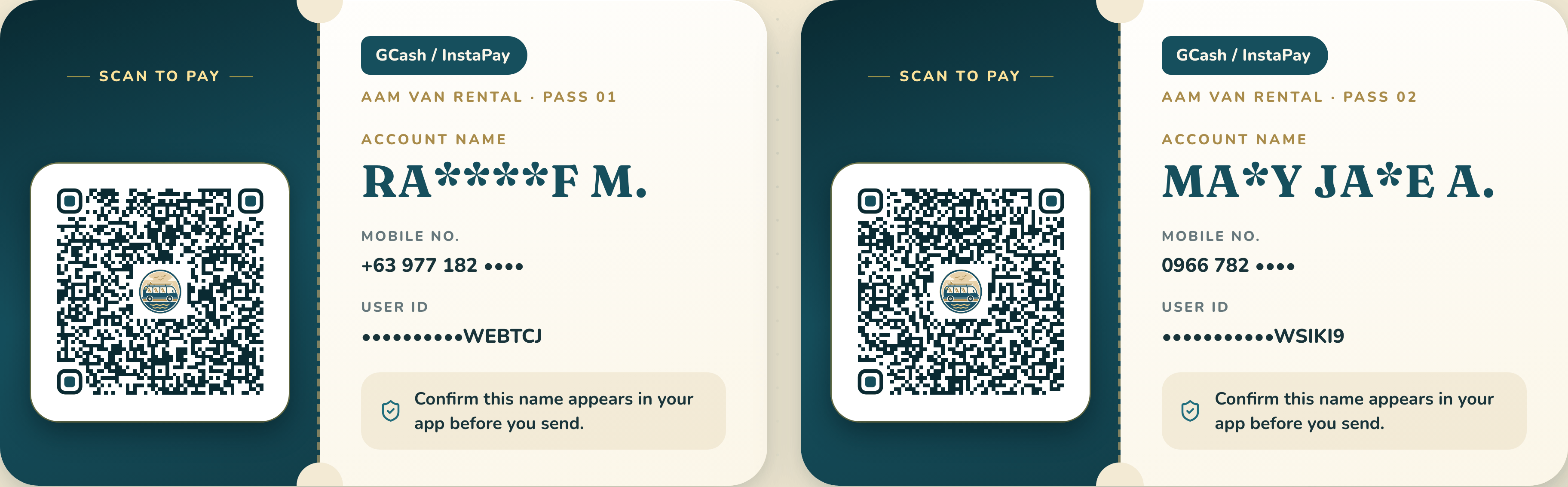
Scan to pay
GCash / InstaPayAAM Van Rental · Pass 01
Account name
RA****F M.
- Mobile no.
- +63 977 182 ••••
- User ID
- ••••••••••WEBTCJ
Confirm this name appears in your app before you send.
Payments
Scan a QR with GCash, Maya or any InstaPay bank app. Check the name, send the confirmed amount, and share your receipt. That's it.
How it works
Payments are for confirmed trips only. If you haven't received a confirmation yet, send a trip request first.
Pay only after our team confirms your van, driver and final amount.
Open GCash, Maya or any InstaPay bank app and scan a QR below.
Make sure the recipient name matches the pass before you send.
Share the screenshot or reference number so we can tag your payment.
Scan to pay
Account name
Confirm this name appears in your app before you send.
Scan to pay
Account name
Confirm this name appears in your app before you send.
Paying from this phone? Save a QR image, then choose “Upload QR” in your app.
Download both (HD)Before you send
A few quick checks keep your money and your booking safe. Not sure about anything? Ask before you pay.
Sent your payment?
Send the screenshot or reference number with your name and trip date. The team tags it to your booking and confirms by message.